
WonderPen 10th Anniversary
2016 — 2026

WonderPen 1.0 was released on November 20, 2016. That was ten years ago.
The Anniversary Film
Two minutes through ten years of WonderPen.
Built for writing
A professional writing app. From first idea to final draft, the right tool for every step.
- Novels
- Papers
- Essays
- Diaries
Windows · macOS · Linux · iOS · Android · Web
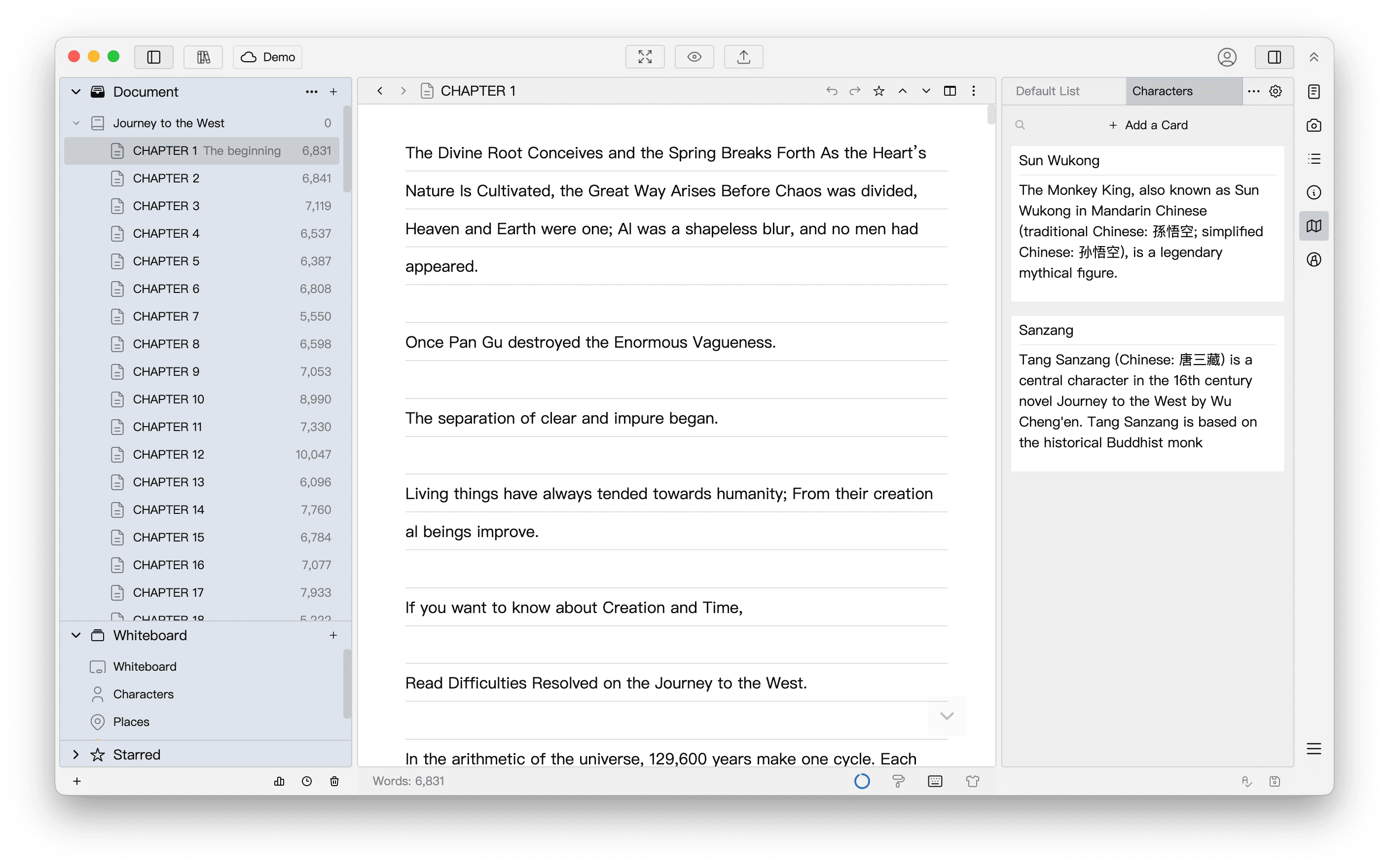
- 01Ideate
Cards, whiteboards and mind maps keep ideas and settings at hand
- 02Organize
A tree with unlimited levels; split and merge chapters anytime
- 03Write
Compose, minimal and typewriter modes keep you writing
- 04Finish
One-click formatting, then export to PDF, Word, ePub and more
Ten years, three generations
Three generations of interface, one job all along.
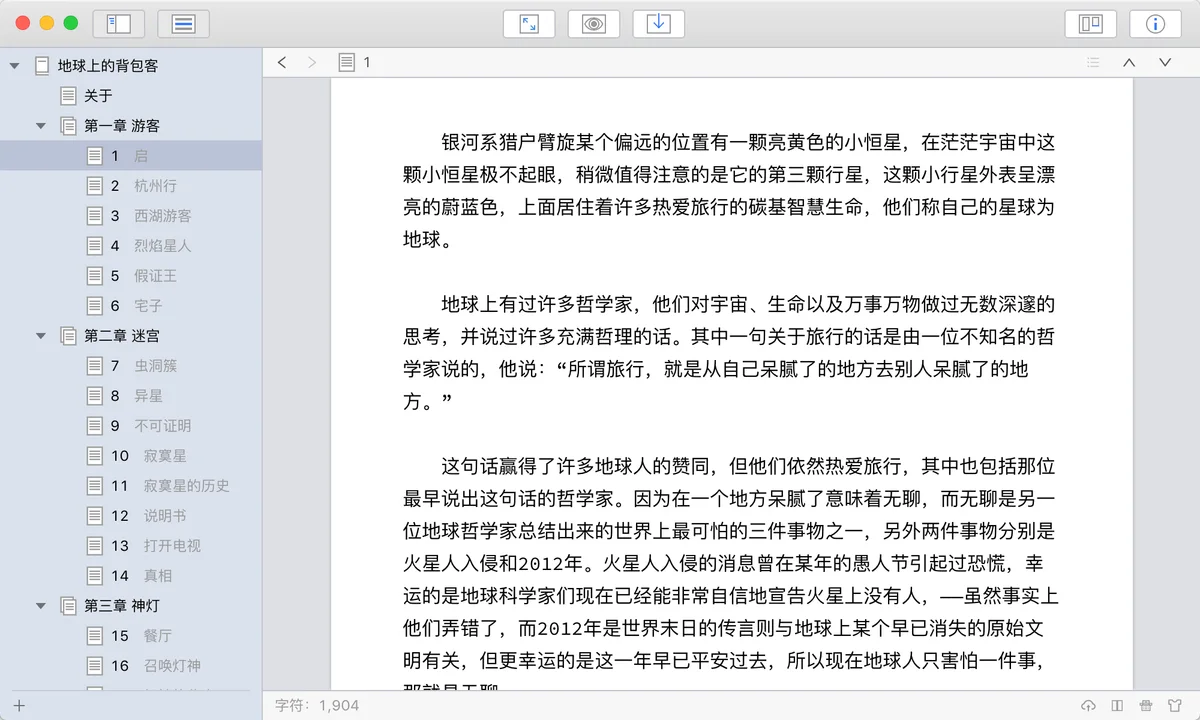
1.x2016 — 2020
- 2016WonderPen 1.0 released
- 2017Windows public beta; auto backup, snapshots
- 2018Split editor, typewriter mode
- 2019Math formulas, auto numbering
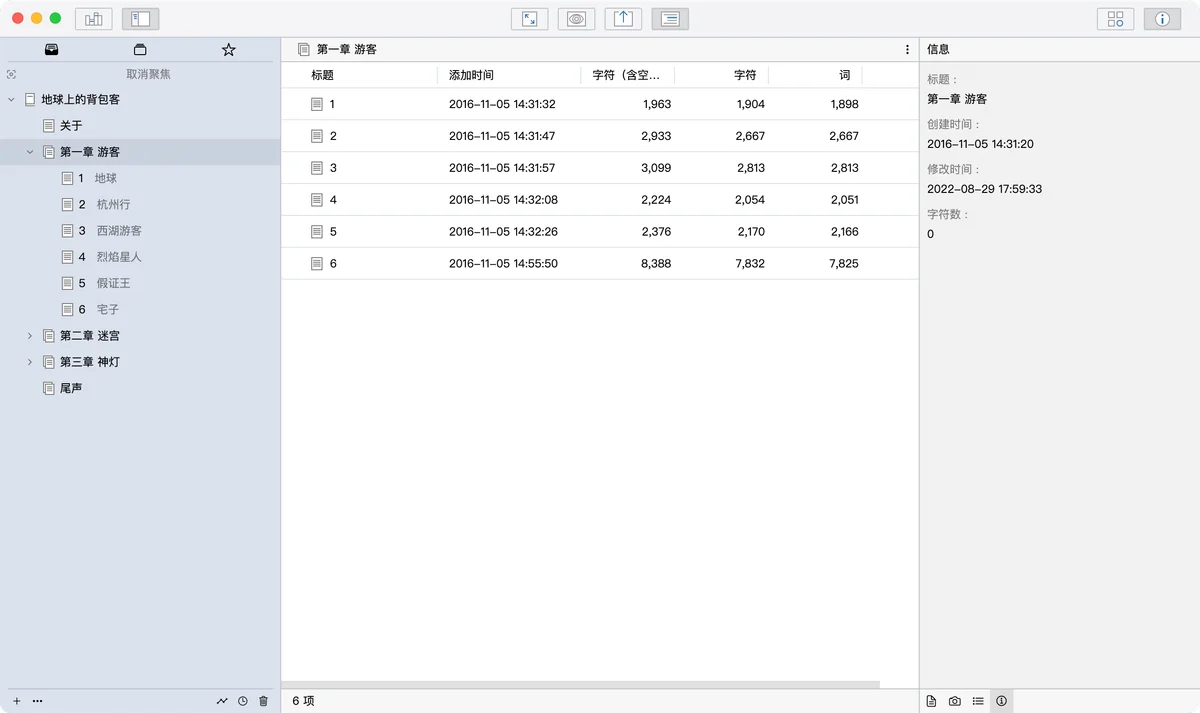
2.x2021 — 2024
- 20212.0 released, nearly all code rewritten
- 2022Typing statistics, cards, outline view
- 2023Cloud sync arrives
- 2024Mobile apps arrive
3.x2025 —
- 20253.0 released, new interface and editor
- 2025WYSIWYG, custom themes
- 2026Mind maps, MCP, writing replay
- 2026Continuous view, tables, footnotes
- 10years
- A new release every year
- 17K+commits
- 300K+ lines of code
- 190+releases
- Desktop and mobile combined
- 6platforms
- Windows, macOS, Linux, iOS, Android, Web
- 100K+users
- In dozens of countries and regions
What writers say
WonderPen is truly different. It makes me feel respected and cared for as a user. Less than a month after I downloaded it, I finished revising my manuscript today. Thank you, WonderPen: the whole revision was smooth and a joy!
I am one of WonderPen’s earliest users. While I write with WonderPen, WonderPen keeps growing too.
An easy-to-use writing tool that lets you focus on writing. When a piece is long and complex, revising and reordering chapters is easy.
A Letter at Ten2016 — 2026Ten years. Thank you to everyone
who writes with WonderPen
Finishing a novel takes countless days at the desk. So does refining a writing app.
In 2016, a developer who loved writing wanted a tool that felt right to write with, and so WonderPen was born. The idea back then was simple: make the writing experience a little better, and let people focus on the work itself.
Over ten years, WonderPen has grown, step by step, from its beginnings as a macOS writing app into a writing tool for six platforms. As more and more people began to use it, new ideas and needs kept coming. Letter after letter, one piece of feedback after another, and every hope for a new feature kept pushing it forward, bit by bit, into what it is today.
Ten years on, technology has changed, platforms have changed, and the way people write has changed too. But we have always believed that a good writing tool should make you want to open it, and then write on with peace of mind.
Thank you for every bit of trust and company over these ten years. In the years ahead, we will carry the same love we started with, polish every detail with care, and be there as more words and stories come into being.


Choose your plan
Core features are free. Upgrade when you need more.
Basic
Provides basic writing functions, free to download and use, and the data is stored locally.
- Document creation and editing
- Whiteboard & cards
- Import txt files
- Export as Word, PDF, Epub, etc.
- Library backup and restore
- 1 cloud library
Pro
Unlock various advanced features, suitable for local writing scenarios or standalone mode.
- All Basic features
- Multiple theme colors
- Custom CSS
- More cards supported
- Cloud snapshots kept for 30 days
- 1 cloud library
Pro+
More cloud features and storage capacity, auto-sync, write anytime on multiple devices.
- All Pro features
- 1,000 cloud libraries
- 20,000 items per cloud library
- 100,000 characters per item
- Cloud snapshots kept for 90 days
- More space for attachments

Download free and start writing
Core writing features are free. Upgrade to a membership when you need more.